


Computer Ports
PCs have a range of connectors that are used to connect the PC to various Peripheral devices, like printers. Here are some of the more commonly used ones. Many of these ports are used in other places as well as on computers.
USB
This is the Universal Serial Bus as of January 2005 the latest version of this connector is 2.0 which replaces the 1.1 specification. There are three speeds of data transfer through this port
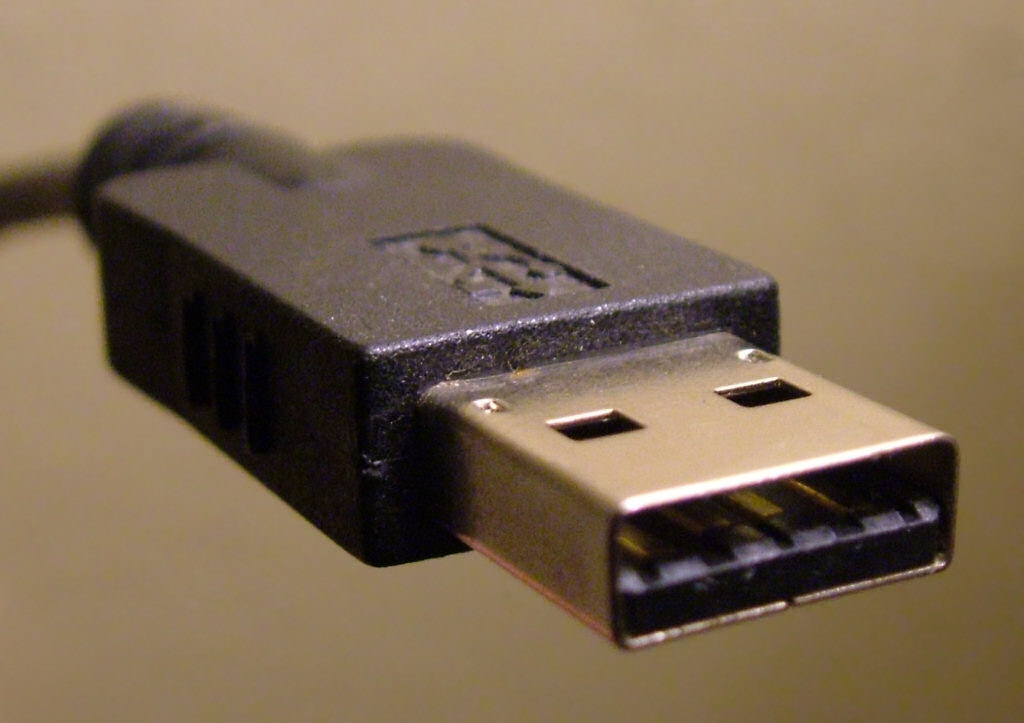
 Low speed is used for human interface devices like mice keyboards and joysticks
 - Full Speed (12Mbit/sec )
- and Hi Speed (480 Mbit/sec)
All devices that comply with 2.0 will work at the two lower speeds devices that are hi-speed will work at the lower speeds if they are plugged into a machine which is only capable of the lower speed. Devices that comply to this standard will be marked as above.
Legacy ports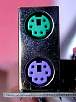
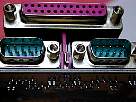
There are 4 of these. they are the serial port (bottom left) the parallel port (top left) and the two mini DIN connectors specfied under PS/2 (right). They are called legacy ports because they where part of the PS/2. These connectors are necessary if you have an older piece of equipment that you wish to continue to use. The Parallel port is commonly used for printers and scanners whereas a mouse might go on the serial port. The mouse mini DIN is green and the keyboard is purple.
The PS/2 specification was written by IBM in 1987 whilst the PS/2 architecture is now redundant the DIN and parallel connectors specified by it are still found in many PCs but the serial port is less common.
VGA port
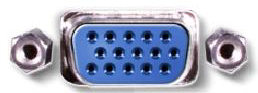 The VGA port is used to connect a monitor or a projector. It is important if you are buying a laptop as you may want to use it with a better monitor or a projector. Note there are three rows of pins here and only two on a serial port.
Audio Ports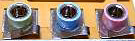
The picture opposite shows three audio ports. these are (left to right) Audio Line out, audio line in and microphone. This PC did not have a subwoofer connection.
Network Interface
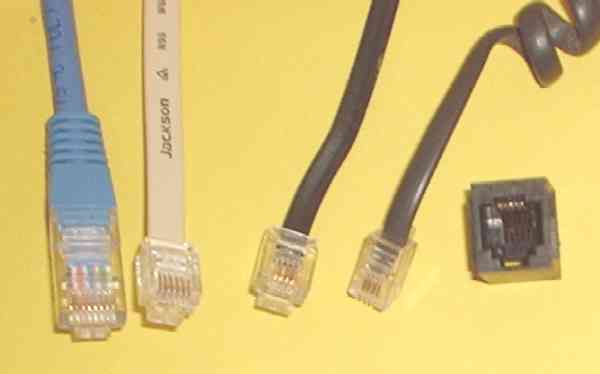
The Network Interface Card is often now built into the mother board It will probably have one or two connection ports of the RJ type. There is a lot of confusion about RJ connector names. RJ stands for registered jack, and there are a good number of types, hopefully your PC will have one for a telephone line and one for the ethernet.
Common types
- RJ-11: 6P2C, for one telephone line (6P4C with power on second pair)
- RJ-14: 6P4C, for two telephone lines
- RJ-12 or RJ-25: 6P6C, for three telephone lines
- RJ45: 8P8C, for Ethernet
© LEV
